How to open Frogodoro on macOS 🐸
macOS will try to protect you from apps that aren’t notarized. Here’s how to get past it.
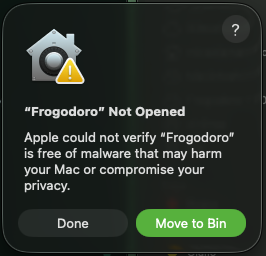
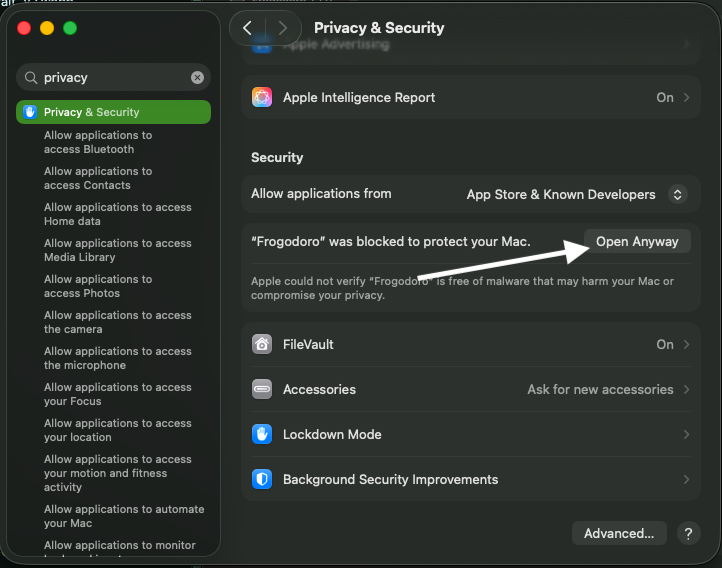
Open System Settings → Privacy & Security. Scroll down and you’ll see a message about Frogodoro being blocked. Click Open Anyway.
You might be asked for your password. Enter it, and the app will launch.
After that, Frogodoro opens like any other app.